Billing overview
Billing is where Servero shows your plan, subscription status, restaurant slot usage, and invoice history.
Where to find it
- Tools > Billing on the web app
Billing is intentionally hidden in iOS. Use the web app for any subscription change.
What the page looks like on Starter
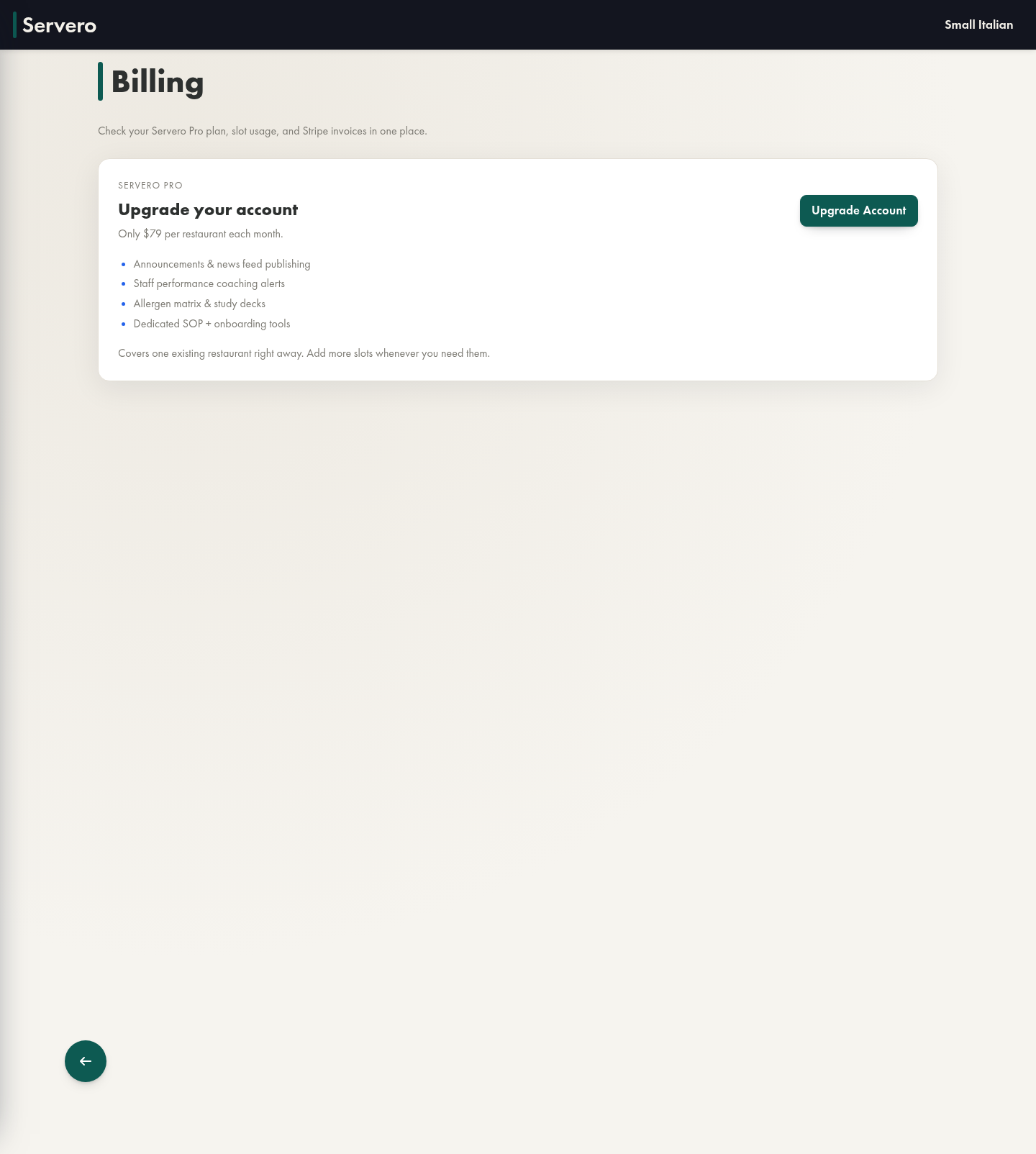
Starter companies see an upgrade card with the current self-serve Pro price and a direct path into checkout.
What the page looks like on Pro
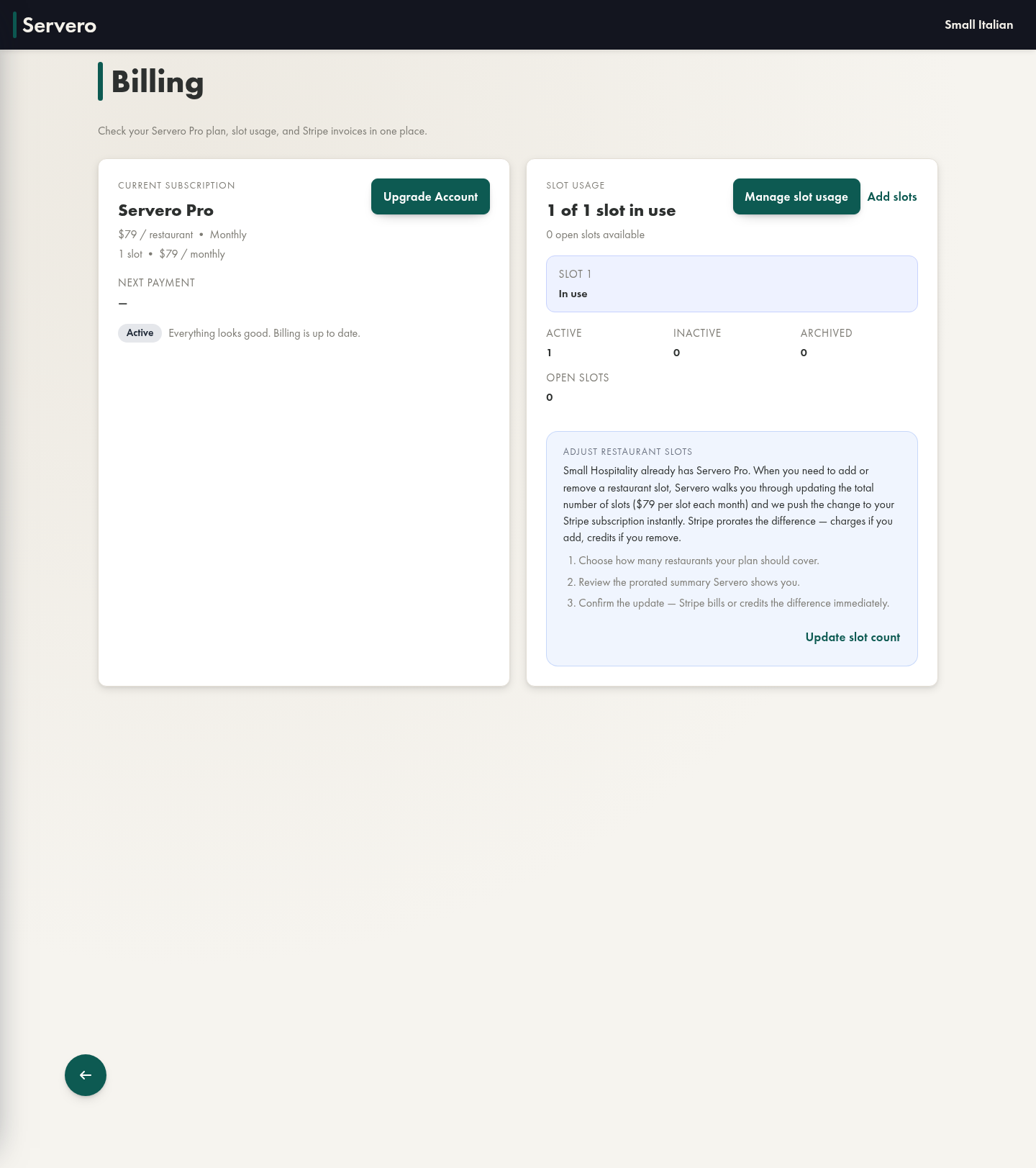
Once the company has an active subscription, the page switches to the operational view:
- current subscription and status
- next payment date, when available
- slot usage summary
- add-slot and manage-slot actions
- invoice history
When to use Billing
- You need to compare Starter and Pro
- You need to start or resume a paid subscription
- You need another restaurant slot
- A payment issue or billing reminder shows up on Home
- You need past invoices